 By admin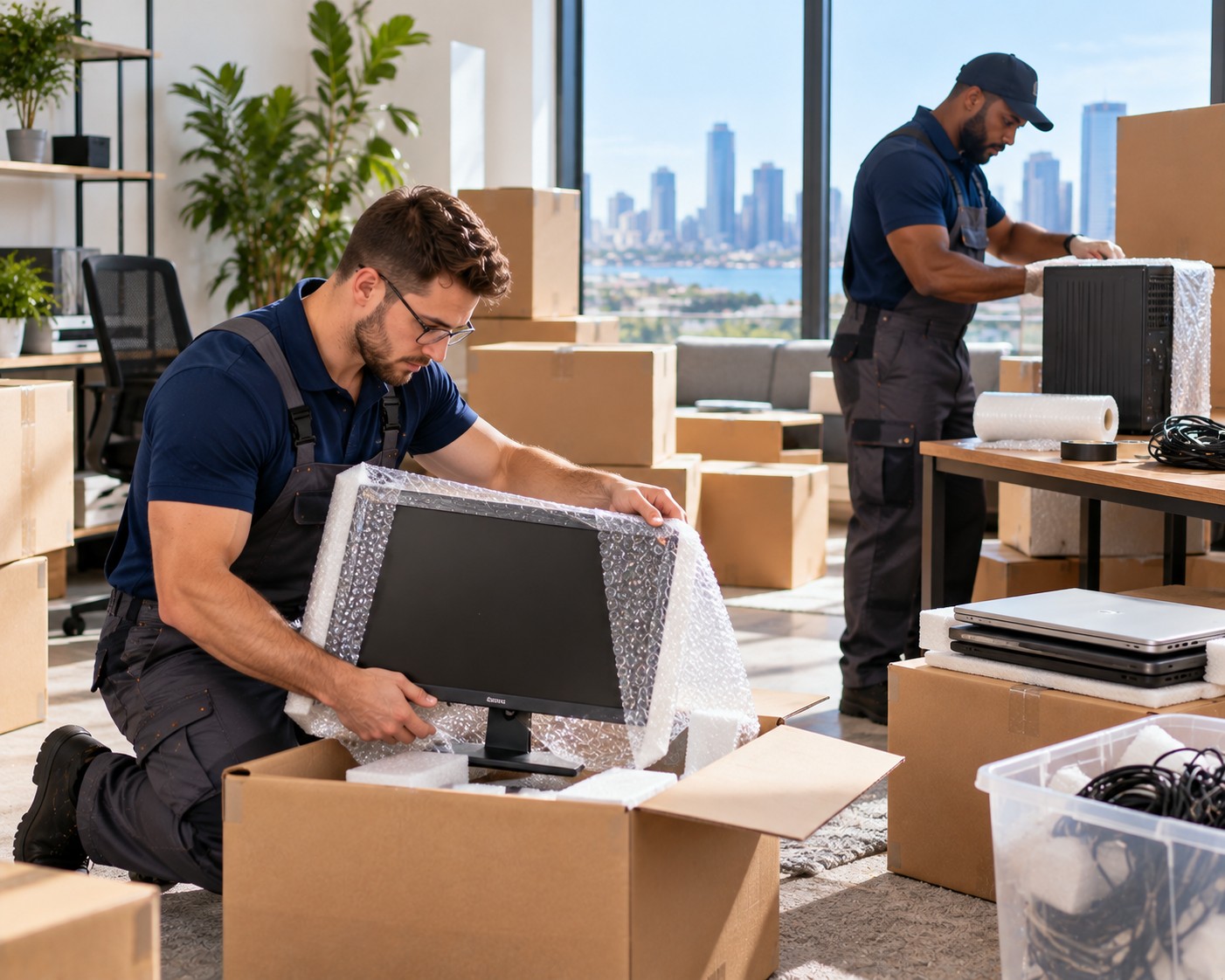
Electronics often represent some of the most expensive and delicate belongings in a household. Televisions, desktop computers, gaming systems, monitors, cameras, speakers, and smart-home equipment can all be damaged when packed without a clear plan. A move from Boston to California adds extra challenges because devices may spend several days in transit and encounter vibration, temperature changes, and repeated handling.
Before the journey begins, review the moving process at https://bostonjusthelpersmoving.com/ and create a separate strategy for your technology. The Boston to San Diego Moving Route requires more preparation than a short local relocation, especially when your electronics contain valuable data or complicated cable systems.
Start With a Complete Electronics Inventory
List Every Device Before Disconnecting Anything
Begin by walking through the home and recording all electronic equipment. Include large devices such as televisions and desktop computers, as well as smaller items like routers, tablets, cameras, chargers, printers, and external drives.
Write down model names, serial numbers, and visible existing damage. Taking photographs can provide a useful condition record and make it easier to identify each item after arrival.
This inventory also helps you decide which devices should travel with you rather than inside the moving shipment. Laptops, essential work equipment, sensitive storage drives, and irreplaceable personal electronics are often better kept in personal luggage when practical.
Protect Your Data Before Packing
Backups Should Come Before Bubble Wrap
Physical protection is important, but digital information may be even harder to replace. Before unplugging computers, phones, gaming consoles, and external drives, back up important files to a secure cloud account or separate storage device.
Check that the backup actually works. A file that was copied incorrectly will not help if the original device is damaged during transport.
Remove memory cards, discs, and other loose media from devices. Keep these items in labeled protective cases rather than leaving them inside equipment where they could shift.
Use the Right Packaging for Each Device
Original manufacturer packaging is usually the most convenient option because it is designed around the exact shape of the device. If those boxes are no longer available, choose sturdy containers with enough room for cushioning on every side.
TVs and Monitors
Screens should be protected against pressure and impact. Wrap the display with a soft protective layer, add rigid cardboard or a suitable screen protector, and place the item in a properly sized box whenever possible.
Never place heavy objects on top of a television or monitor. Keep screens upright if the manufacturer’s instructions recommend that position, and make sure the box cannot move inside the vehicle.
Computers and Gaming Equipment
Desktop computers should be prepared carefully before packing. Remove loose accessories and consider taking out heavy internal components if they could shift during transportation. Sensitive parts should be placed in appropriate anti-static protection.
Gaming consoles, speakers, and smaller devices should be wrapped individually. Avoid placing several expensive items together without dividers, because contact between them can cause scratches or impact damage.
Organize Cables Before They Become a Problem
A tangled collection of cords can make unpacking more difficult than packing. Before disconnecting a workstation or entertainment center, take clear photographs of the connections.
Label Each Cable With Its Device
Place cables, adapters, remotes, and small accessories from each device in a separate labeled bag. Do not combine every cord into one large box.
For example, keep television cables with the television accessories, computer cables with the monitor and keyboard, and gaming cables with the console. This system makes setup much faster in San Diego.
Consider the Conditions Along the Route
The Boston to San Diego Moving Route crosses different climates and may expose belongings to changing temperatures. Electronics should remain protected from moisture, direct sunlight, and extreme heat whenever possible.
Allow devices that have been exposed to significant temperature changes to reach room temperature before switching them on. This gives condensation a chance to dissipate and reduces the risk of electrical problems.
Make Electronics the Final Setup Priority
After arrival, unpack essential technology in a controlled order. Start with the router, work computer, or other equipment needed for daily life. Use your photographs and labels to reconnect systems one device at a time.
Test each item before moving to the next. This makes it easier to identify a problem and prevents a large collection of disconnected equipment from becoming overwhelming.
With thoughtful preparation, electronics can arrive ready to support your new routine rather than creating another project after a long relocation.