 By admin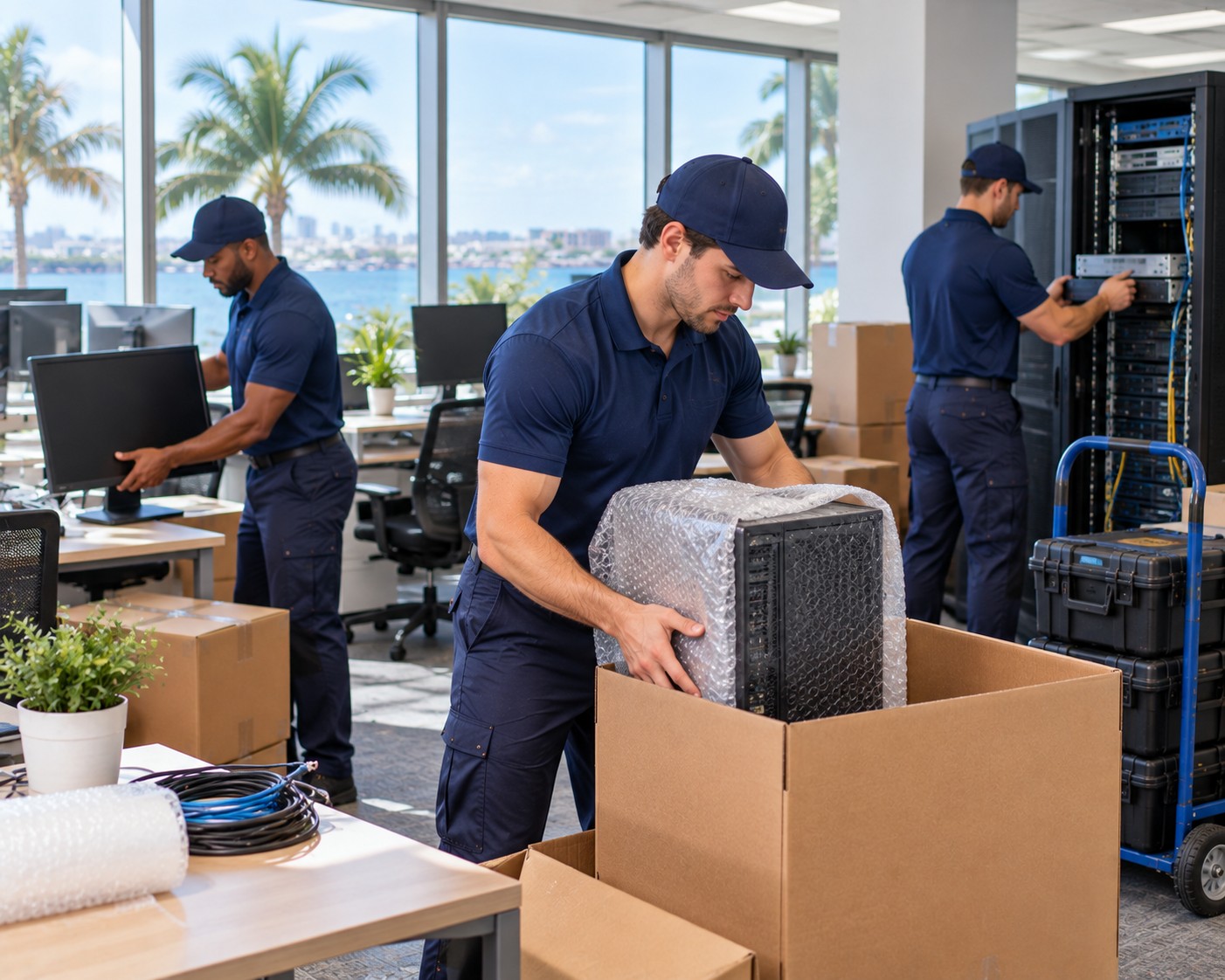
Relocating an office is challenging enough without adding servers, workstations, monitors, networking devices, and sensitive electronics to the schedule. IT equipment requires more than careful lifting. It needs organized preparation, protection from impact and static electricity, secure transportation, and a clear plan for reconnecting systems at the new location.
Businesses arranging a technology-focused relocation can begin by reviewing the services available through https://dunedinmovers.com/. Professional commercial moving support can help companies coordinate the physical move while internal IT staff focus on data security, system access, and keeping employees informed.
Why Technology Relocations Need a Different Approach
Office equipment is often expensive, delicate, and essential to daily operations. A damaged monitor may be inconvenient, but a misplaced server component or poorly handled networking device could create much more serious delays.
Before moving day, the business should prepare an inventory of all technology assets. Include computers, laptops, monitors, printers, routers, switches, servers, backup devices, conference room equipment, cables, and accessories.
Record Equipment Before Disconnecting
Photographs and simple labels can make reinstallation easier. Each device should be associated with its workstation, department, or destination room. Cables can be labeled at both ends, while small accessories should be packed with the equipment they belong to.
For larger systems, the IT team should document rack positions, connection layouts, and power requirements. This information reduces confusion when equipment arrives at the new office.
Preparing Computers, Servers, and Networking Devices
Not every device should be treated in the same way. Desktop computers and monitors may be packed individually, while servers and networking equipment may require specialized containers or additional cushioning.
Servers should be shut down according to the manufacturer’s instructions. Any removable components, external drives, or delicate accessories should be secured before transportation. Backup systems must also be checked so that important business information is protected before equipment is disconnected.
Networking devices need special attention because their cables and ports can be difficult to identify later. A labeled diagram of the existing network can help the IT team rebuild the system more efficiently after delivery.
Protecting Equipment During Transportation
Ordinary household packing materials may not provide enough protection for valuable technology. Anti-static bags, padded containers, protective wrap, and sturdy cartons can reduce the risk of scratches, shocks, and static-related damage.

Monitors should be placed upright when possible and separated with cushioning. Laptops should be secured so they cannot shift inside their cases. Printers and other devices with moving internal parts may need additional preparation before being loaded.
The truck should also be organized carefully. Heavy equipment must be positioned securely, while fragile electronics should not be placed beneath heavy furniture or loose boxes.
Keep Critical Devices Clearly Identified
Use visible labels such as “Server,” “Network Equipment,” “IT Priority,” or “Handle With Care.” A color-coded system can help the moving crew and office staff distinguish technology from ordinary furniture.
Coordinating the Move Around Business Hours
A technology relocation should be planned around the company’s operating requirements. Some businesses can move over a weekend, while others need a phased approach that allows essential departments to remain active.
The moving schedule should account for:
- Equipment shutdown and preparation
- Loading and transportation
- Delivery access at the new office
- Network installation
- Testing and troubleshooting
- Employee workstation setup
Businesses can use https://dunedinmovers.com/commercial-movers/ to explore commercial relocation support suited to office environments. Coordinating furniture, technology, and other workplace items through one structured plan may reduce unnecessary handling and help the move stay on schedule.
Setting Up the New Office Efficiently
Once equipment reaches the destination, the priority should be restoring essential systems first. Servers, networking devices, communication equipment, and key workstations may need to be operational before the rest of the office is fully arranged.
Keep a separate box or container for installation essentials, including power cables, adapters, labels, tools, and network accessories. This prevents staff from searching through dozens of cartons for small but necessary components.
After setup, the IT team should test internet access, internal systems, printers, conference room technology, security devices, and employee workstations. A short testing checklist can reveal connection problems before the entire team returns to work.
When Professional IT Moving Support Is Valuable
IT equipment movers in Dunedin can assist with the physical side of a technology relocation, including careful loading, protected transportation, unloading, and coordination with office furniture delivery. Their support is particularly useful when a business has multiple departments, large equipment quantities, restricted access, or a tight moving window.
With detailed labeling, secure packing, careful scheduling, and a documented setup plan, companies can move technology with fewer interruptions. A well-managed relocation protects valuable equipment while helping employees return to productive work as quickly as possible.